Client and Matter CRM
Maintain structured client profiles, matter details, contacts, status, notes and activity history.
Legal on Cloud brings client intake, CRM, case tracking, documents, deadlines, time records, reporting and collaboration together. AI-assisted website and phone intake helps your firm collect consistent information and move qualified inquiries into review.
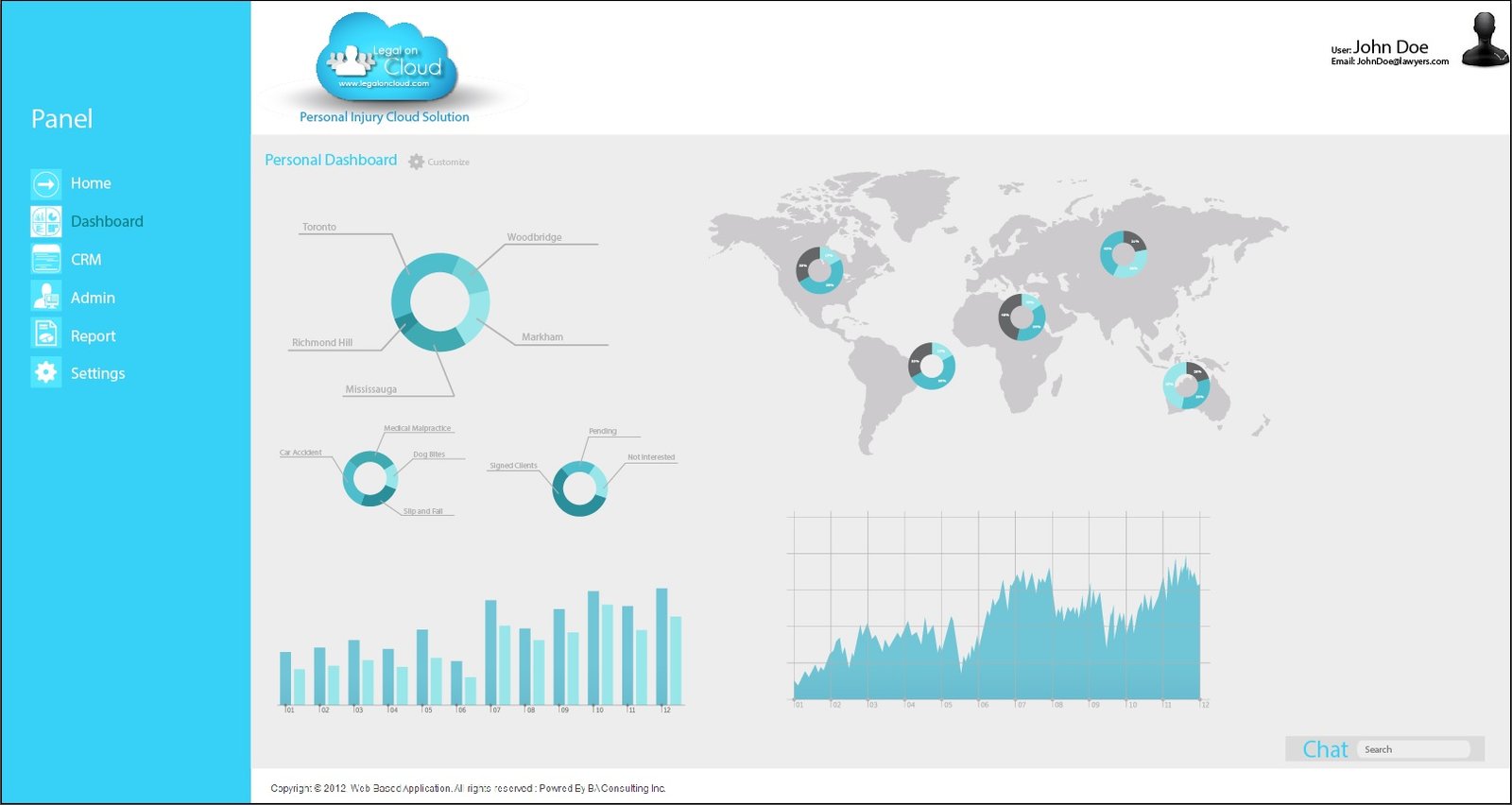
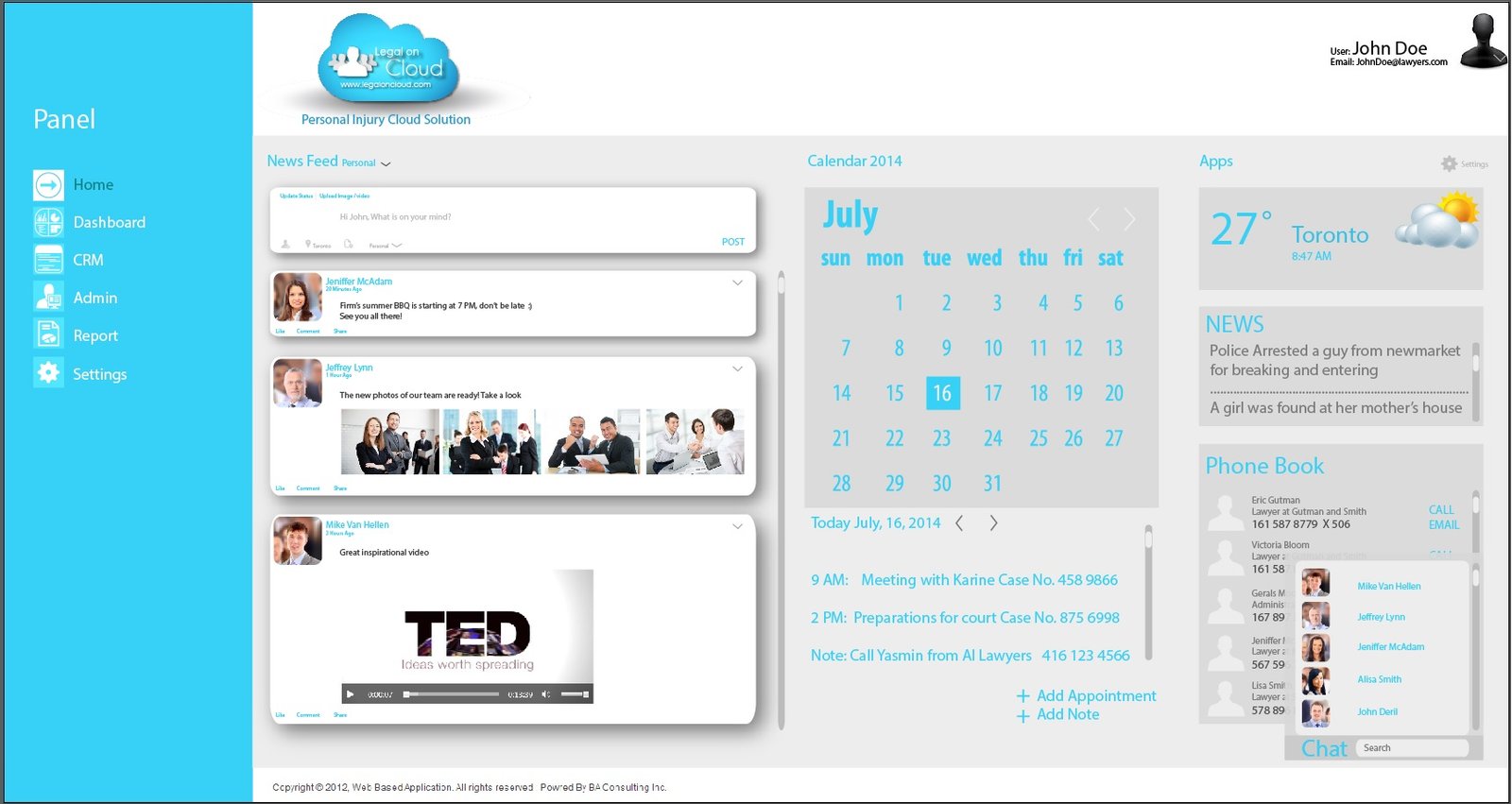
Give lawyers and staff a shared view of contacts, matters, documents, deadlines and communication without relying on disconnected systems.
Maintain structured client profiles, matter details, contacts, status, notes and activity history.
Organize correspondence, forms, evidence, medical records and working documents by matter.
Track time, assignments, appointments and critical dates from one coordinated workflow.
Collect approved information from web and phone inquiries and prepare a review-ready summary.
Share authorized notes, calendars, files and updates while keeping the matter context intact.
Review intake sources, matter categories, workload and operational trends through visual reporting.
Each area supports a practical part of the client and matter lifecycle.
Replace scattered spreadsheets, shared drives and standalone tools with a centralized legal workspace. Legal on Cloud keeps client information, matters, documents, tasks, time and communication connected so authorized team members can find what they need quickly.
Adopting legal software should not interrupt client work. The implementation process focuses on configuring practical workflows, organizing data and helping staff understand how to use the platform consistently.
Reduce repetitive searching and re-entry by connecting matter records with documents, appointments, notes, email and time. Dashboards help staff identify priorities and managers understand workload and progress.
Capture prospective-client details, open a structured matter and maintain a reliable record of contacts, notes, documents, events and status. AI-assisted intake can prepare incoming information for staff review.
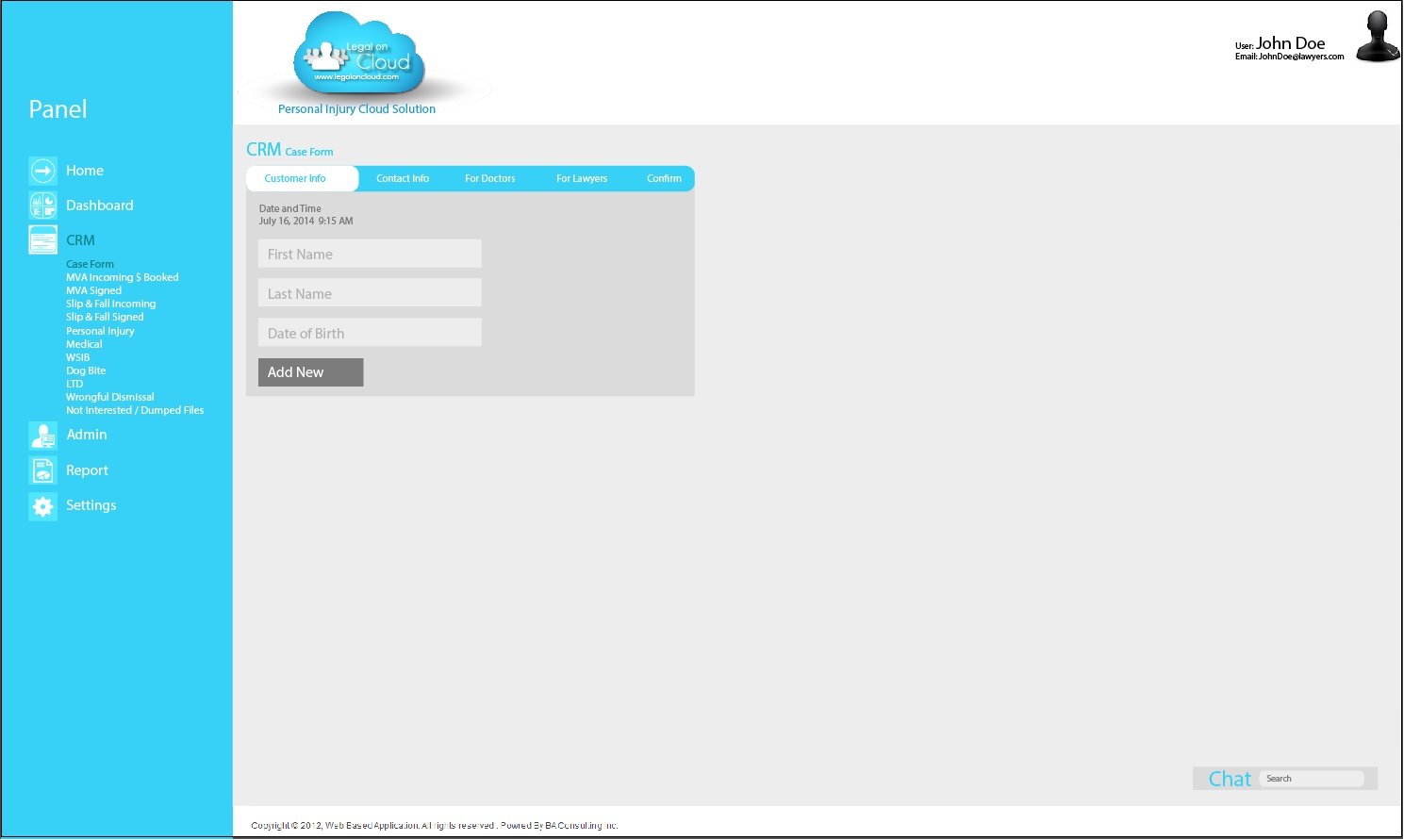
Bring communication into context by linking email, appointments, forms and updates to the relevant client or matter. Staff can coordinate follow-up while maintaining a clear record of activity.
Keep familiar productivity tools while adding a structured legal matter-management layer.
Connect Outlook, Word, Excel, OneDrive, SharePoint and Teams workflows with client and matter records.
Coordinate Gmail, Google Calendar and Drive-based documents within a more organized legal workflow.
Collect website and phone inquiry details, prepare summaries and send information for review and signature.
A short overview of intake, matter organization, documents, reporting and connected workflows.
Visual reporting can help your firm understand matter mix, workload and intake activity.
44% Personal injury
26% Litigation
18% Employment
12% Other
Tell us about your practice and the workflow you want to improve. Your request will be saved securely in WordPress under Demo Requests and emailed to the site administrator.